Jeep Touchscreen Not Working? Causes and How to Fix Uconnect
Last updated on October 26th, 2026 at 07:54 pm
This post contains Amazon affiliate links. As an Amazon Associate I earn from qualifying purchases, at no extra cost to you.
If a Jeep Uconnect touchscreen is frozen or ignoring touches, push and hold the Volume and On/Off knob for about 10 seconds. Jeep’s Uconnect 4C manual says this resets the radio and can free a frozen or stuck screen. If it comes back, check for a software update or recall by VIN before you pay for hardware.
A bubbled or wavy screen with phantom touches is a hardware failure, and a reset will not cure it. The table and checker below sort out which problem you have. If the screen works but navigation shows no position, see the Grand Cherokee GPS guide.
Symptom, likely cause and first check
| Symptom | Likely cause | Check first | Next step |
|---|---|---|---|
| Frozen or laggy screen | Radio software hang | Hold the Volume and On/Off knob about 10 seconds | Check for a software update |
| Black screen, then reboots about every 2 minutes 40 seconds | Software problem on some 2021 to 2025 Grand Cherokee, Grand Cherokee L and Wagoneer radios | Restart; note the model year | Dealer software update under FCA bulletin 08-221-26 |
| Rearview camera image missing or screen dark after shutdown | Radio shutdown software fault on some 2021 Grand Cherokees | Check VIN on NHTSA for recall 21V-729 | Free dealer radio software update |
| Phantom touches, touches in the wrong spot | Dirt on the screen or a delaminating touch layer | Clean with a dry microfiber cloth; look for bubbles or waves | Dealer or panel replacement if bubbled |
| Display works but ignores touch | Failed touch panel or connector | Use the knobs and buttons to confirm the radio runs | Panel or screen replacement |
| No display, no sound | Power or fuse fault, or failed radio | Battery and the radio fuse in your manual | Dealer diagnosis |
What is your Uconnect screen doing?
Based on Jeep’s Uconnect manuals, NHTSA recall 21V-729 and FCA bulletin 08-221-26. It orders the checks; it is not a diagnosis.
Which Uconnect does your Jeep have?
The right reset depends on the radio, not just the Jeep. Uconnect 4 and 4C radios reset with the Volume & On/Off knob, while Uconnect 5 radios have a Restart Radio option in the settings menu and a longer Power-button hold.
Find your model and year below. If your Jeep isn't listed, the radio section of your owner's manual names the system and its reset.
| Jeep | Model years | Radio | Reset when frozen |
|---|---|---|---|
| Wrangler (JL) | 2018 to 2023 | Uconnect 4 or 4C (5-, 7- or 8.4-inch) | Hold Volume & On/Off about 10 seconds |
| Wrangler (JL) | 2024 and newer | Uconnect 5 (12.3-inch) | Settings, Reset, Restart Radio; if the screen is frozen, hold the Power button at least 15 seconds |
| Gladiator | 2020 to 2023 | Uconnect 4 or 4C (7- or 8.4-inch) | Hold Volume & On/Off about 10 seconds |
| Grand Cherokee (WK2) | 2018 to 2021 | Uconnect 4 or 4C (7- or 8.4-inch) | Hold Volume & On/Off about 10 seconds |
| Grand Cherokee and Grand Cherokee L (WL) | 2021 L, 2022 and newer | Uconnect 5 | Settings, Reset, Restart Radio; if the screen is frozen, hold the Power button at least 15 seconds |
| Compass | 2017 to 2021 | Uconnect 4 (7-inch) or 4C (8.4-inch) | Hold Volume & On/Off about 10 seconds |
| Compass | 2022 and newer | Uconnect 5 (8.4- or 10.1-inch) | Hold the Power button at least 15 seconds (Uconnect 5 figure; not confirmed in a Compass manual) |
| Cherokee, Renegade, Patriot, older models | Varies | Varies by year and trim | Use the radio section of your owner's manual |
Not sure of the year? Your VIN's 10th character gives the model year, and it is printed on the driver's door-jamb label and your registration.
Pick your Jeep below to see the reset that matches your radio.
If the reset works but the freeze comes back within days, the cause is usually radio software, which the next steps cover.
Fix it in this order
1. Force a reset
On Uconnect 4C 8.4-inch radios, push and hold the Volume and On/Off button for about 10 seconds. The Jeep manual says this resets the radio and can recover a frozen screen.
On Uconnect 5 radios, the 2022 Grand Cherokee manual lists Settings, Reset, Restart Radio. Restore Settings to Default is a different button that wipes your preferences, so avoid it unless a dealer asks.
Here is the Uconnect 4C reset in under a minute:
2. Clean the screen the way Jeep says
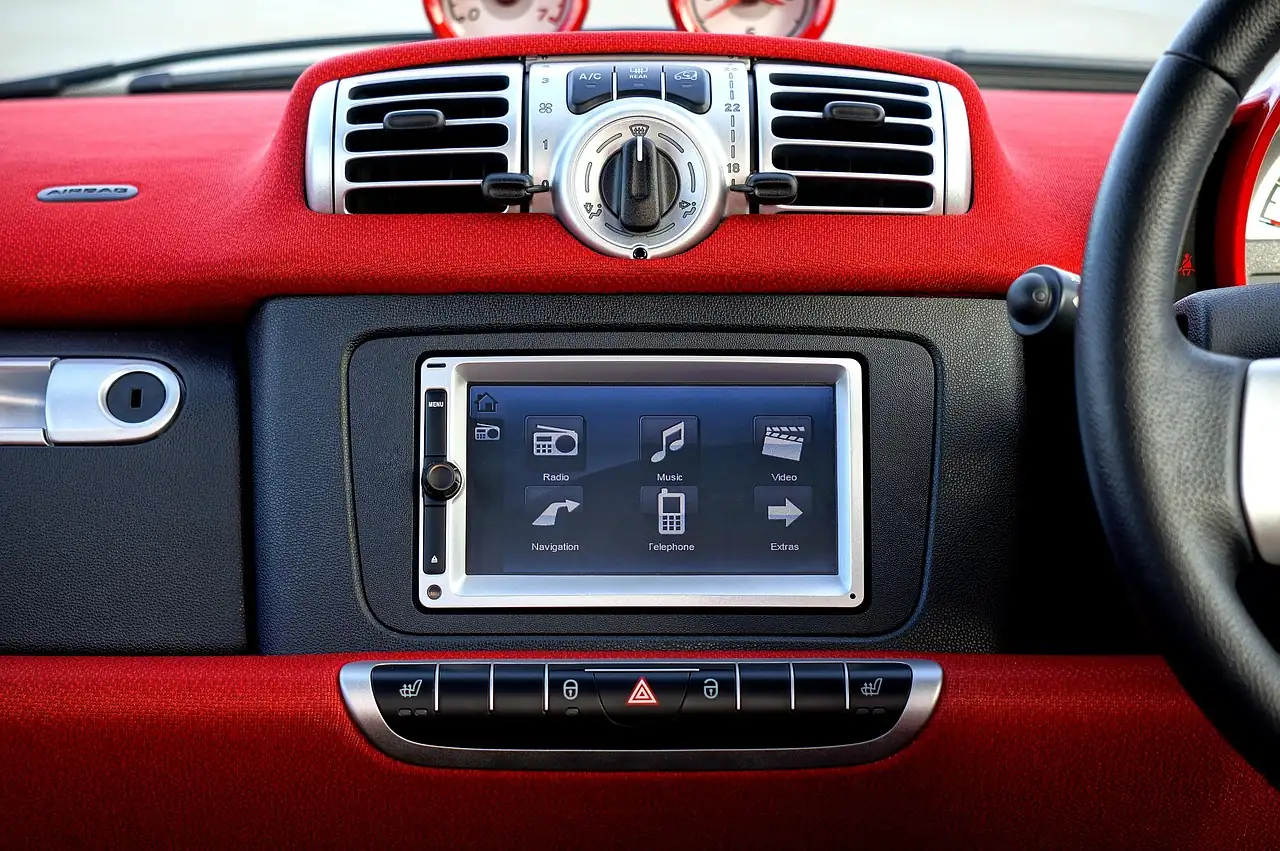
Jeep’s manual says do not spray liquid or chemicals on the screen. Use a clean, dry microfiber lens cloth. If needed, use a lint-free cloth dampened with isopropyl alcohol or a 50:50 alcohol and water mix, and never press with hard or sharp objects.
3. Check software and recalls
Jeep says vehicle software may need updates and points owners to the Uconnect software update page. On Uconnect 5, updates can download over Wi-Fi once the radio is connected to a network.
Enter your VIN at NHTSA’s recall lookup. For example, NHTSA recall 21V-729 covers some 2021 Grand Cherokees whose radio software fails at shutdown, leaving the screen dark and the rearview image missing. The remedy is a free dealer software update.
A May 2026 dealer bulletin, FCA bulletin 08-221-26, lists blank screens that reboot every 2 minutes 40 seconds on some 2021 to 2025 Grand Cherokee, Grand Cherokee L and Wagoneer radios, and calls for a radio update to U41.10.
4. Battery, ground and fuse
Check battery voltage and terminals, since a weak battery causes odd electronics behavior. The radio fuse location depends on the model. The 2022 Grand Cherokee owner’s manual lists F53, MOD CMCM (Radio), 20 amp, so look up your own manual’s fuse chart.
Hardware failures: bubbles and ghost touches
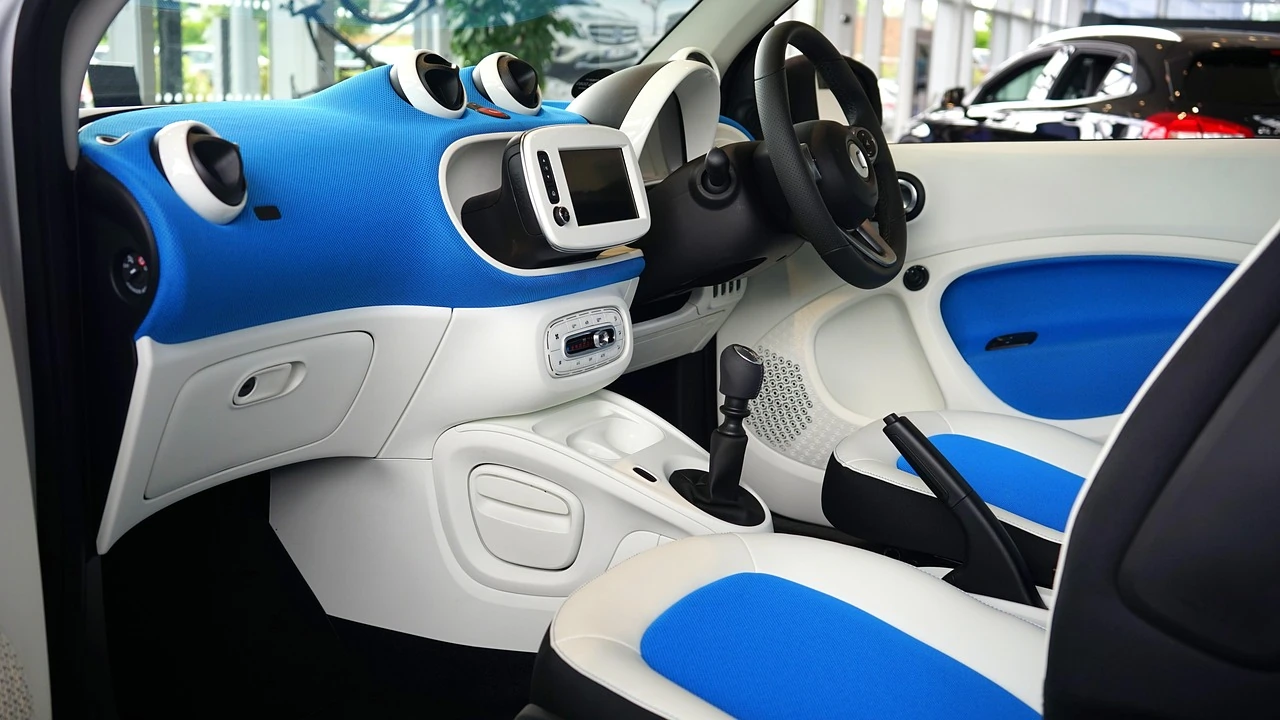
If you see bubbles or waves under the glass, the touch layer is separating from the display. Software cannot fix that, and a search of NHTSA recall and bulletin records turned up no official fix program for it.
Check warranty first. FCA’s Jeep warranty booklets list a 3 year or 36,000 mile basic limited warranty, but terms vary by model year, so confirm your coverage with a dealer.
If you replace it yourself, matching the exact radio matters. One 8.4-inch Uconnect 4C UAQ nav touch screen replacement is listed on Amazon; check that its sales code matches your radio and check the current price on Amazon.
For every other screen, warning-light and no-start fault, see our Jeep electrical and Uconnect problems guide. Related fixes: Jeep Compass touchscreen not working and Wrangler USB port problems. If the USB port is the part that is dead, see Grand Cherokee USB port not working.
Radio has no sound or no reception
Battery and Battery Saver
A weak battery or corroded terminals can make the radio reboot or refuse to start. Clean the terminals, tighten the clamps and have the battery tested. Many parts stores will test one on request.
On a JL, the Intelligent Battery Sensor can cut loads when the battery state of charge is low. The manual lists audio and telematics among them and says a repeat message across trips means service. See why Wranglers have two batteries if yours has a second one.
Antenna and reception
If the screen works but reception is poor, check that the mast is tight and the cable is seated at the antenna and radio. A car wash can loosen a mast. Test several AM and FM stations before blaming the head unit.
Wiring, recall and head unit
Inspect the harness behind the radio for loose plugs and corrosion, especially after an aftermarket install, a wet interior or rodent damage. Then check recalls by VIN. NHTSA recall 22V-638 covers 2,737 Wranglers built Aug 30, 2019 to Nov 20, 2020 with EcoDiesel engines and certain radios that reset repeatedly, which can stop the rearview camera image.
If everything has power and the radio is still dead, the head unit may be failing or need software. A dealer can check updates by VIN. Aftermarket radios should go back to the installer. We could not verify repair prices, so get a written dealer quote and compare it with an audio shop.
If the radio is fine but something else electrical is acting up, our Jeep electrical and Uconnect problems guide matches each symptom to its fix.
FAQs
On Uconnect 4C 8.4-inch radios, push and hold the Volume and On/Off button for about 10 seconds. Jeep’s manual says this resets the radio and can recover a frozen screen.
Phantom touches usually come from dirt on the screen or a delaminating touch layer. Clean it, then look for bubbles. Bubbles mean the screen needs repair or replacement.
Common causes are a radio software fault, a weak battery, a blown fuse or a failed radio. On some 2021 Grand Cherokees a software recall covers a dark screen at startup.
Use a dry microfiber cloth. If needed, use a lint-free cloth dampened with isopropyl alcohol or a 50:50 alcohol and water mix, and do not spray liquid directly on the screen.
Jeep lists a 3 year or 36,000 mile basic limited warranty in its warranty booklets, but terms vary by model year. Ask your dealer, especially about bubbling.

I'm Suryashankar Dasgupta, the founder of Off-Road Handbook. I've been off-roading for years in the USA, including California and Texas, and have ridden mountain and desert terrain abroad. I've also driven a Jeep Compass for more than seven years, so I know the day-to-day side of Jeep ownership first-hand, from the Uconnect screen to the warning lights. Every guide here is researched from manufacturer owner's manuals, NHTSA recall and service-bulletin records and other trusted sources, checked against them before it is published, and corrected when we find a mistake. You can read how we work in our editorial policy: https://offroadhandbook.com/editorial-policy/
Like our off-road guides? Add Off-Road Handbook as a Google Preferred Source so our latest Jeep, ATV, UTV, trail, recovery, and off-road troubleshooting articles can appear more often in your Google Search experience.
Add us as a Preferred Source